Like dynamic QR codes, all the elements of your vCard Pro can be modified at will.
Viewing a vCard Pro.
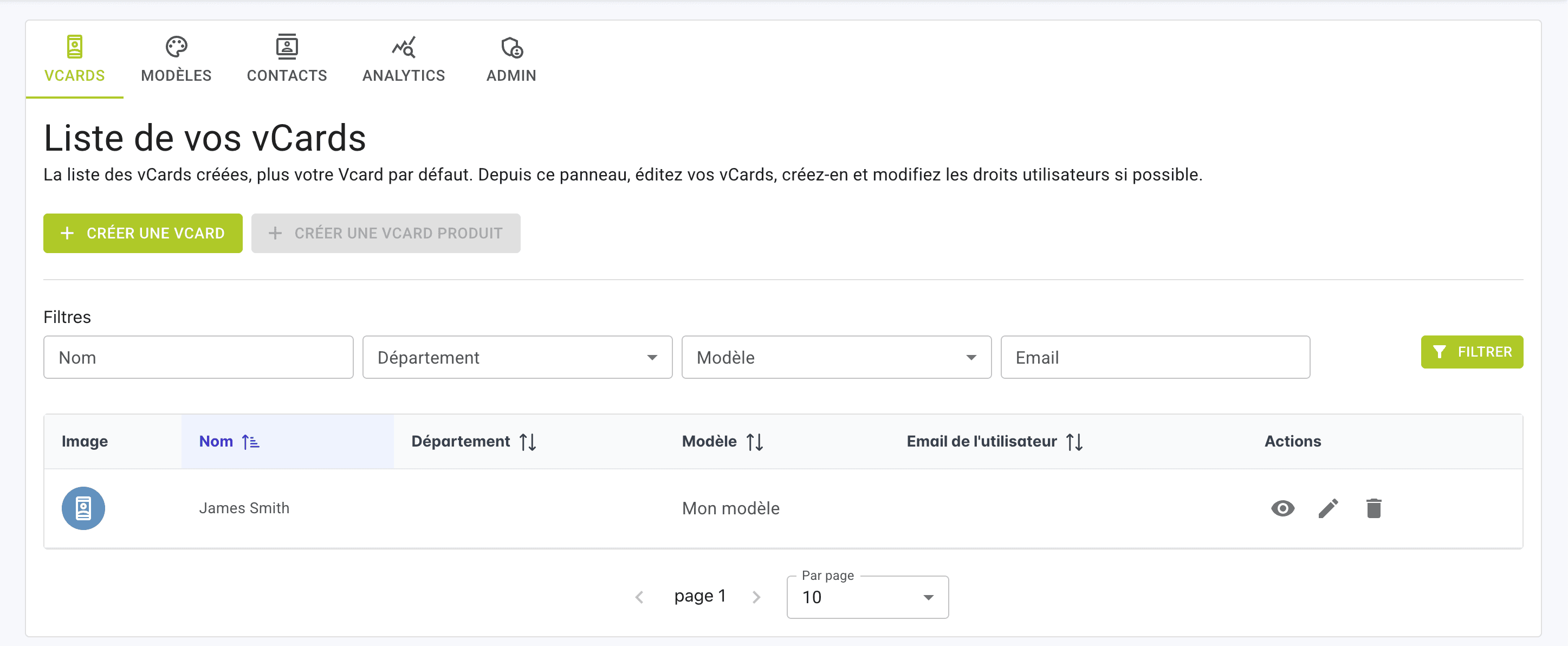
From your vCard Pro list, in the line of your vCard, click on the VIEW VCARD icon.
You'll be redirected to your vCard PRO as it appears when you scan its QR Code.
Edit the content of your vCard Pro
From your vCard Pro list, in the line of your vCard, click on the EDIT icon: you will be redirected to the information specific to the cardholder.
Modify the desired elements of your vCard Pro.
Finally, click on SAVE AND EXIT in the top right-hand corner.
Changes to your vCard PRO will take effect immediately.
Editing and viewing a vCard Pro
Viewing a vCard Pro.
Edit the content of your vCard Pro