Creating a QR Code is quick and easy. In just three steps, you'll get a fully personalized QR Code with an unlimited lifespan and no limit on the number of scans. Go to the QR Codes application and click on CREATE QR CODE to access the generator.
Step 1: Set the general information for your QR Code
In QRCODE TYPE, select your QR Code type: each QR Code responds to a specific action (URL, SMS, vCard classic, Document, Media, etc.).
In RESOLUTION, select the resolution of your QR Code: we recommend you create dynamic QR Codes to keep control of your content.
Fill in the content of your QR Code (depending on the type chosen).
Finally, click on SAVE AND PREVIEW.
For more information on the different QR Code resolutions, see our article on QR Code resolutions.

Step 2: Customize the design of your QR Code
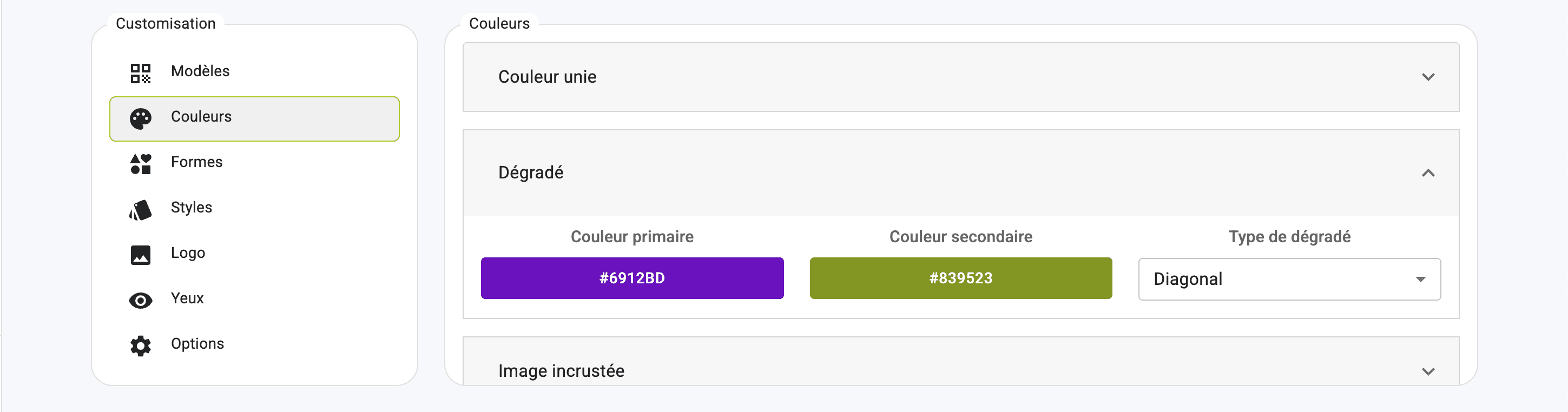
Customize the design of your QR Code; a range of personalization tools is at your disposal.
Apply your corporate identity to the design of your QR Code.
Step 3: Finalize the creation of your QR Code
Enter the name of your QR Code in the QR CODE NAME box. Finally, click on CREATE QR CODE.
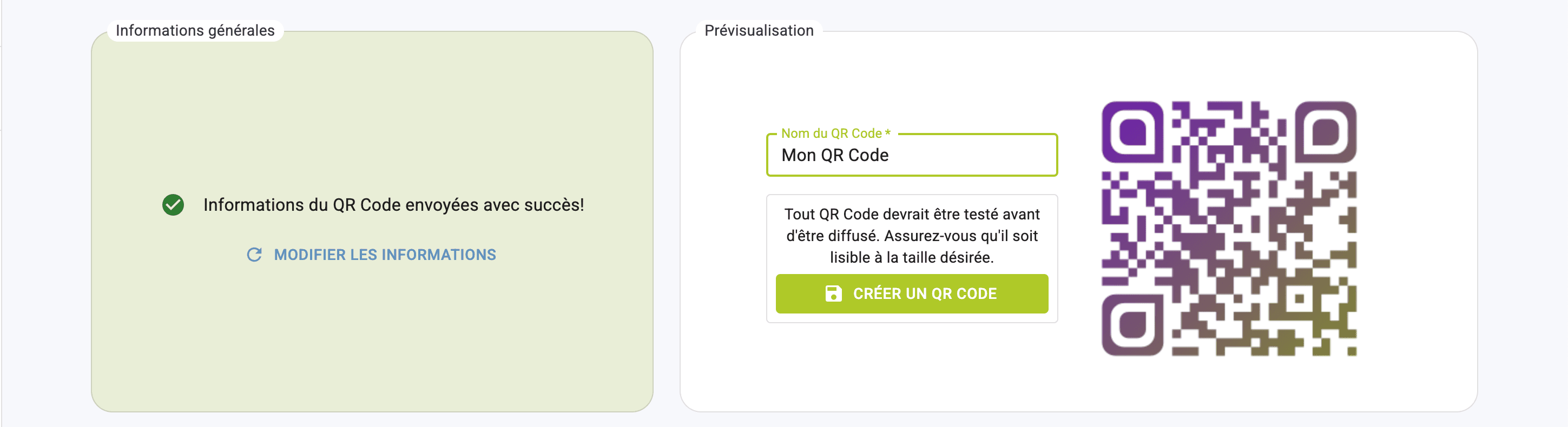
Your QR Code is created! You'll be redirected to its file, and can download it quickly by clicking on QUICK DOWNLOAD.
Create a QR Code
Step 1: Set the general information for your QR Code
Step 2: Customize the design of your QR Code
Step 3: Finalize the creation of your QR Code