Static consultation is accessible by QR Code or for a selection of QR Codes to obtain grouped statistics for your selection.
View your QR Code's quick statistics
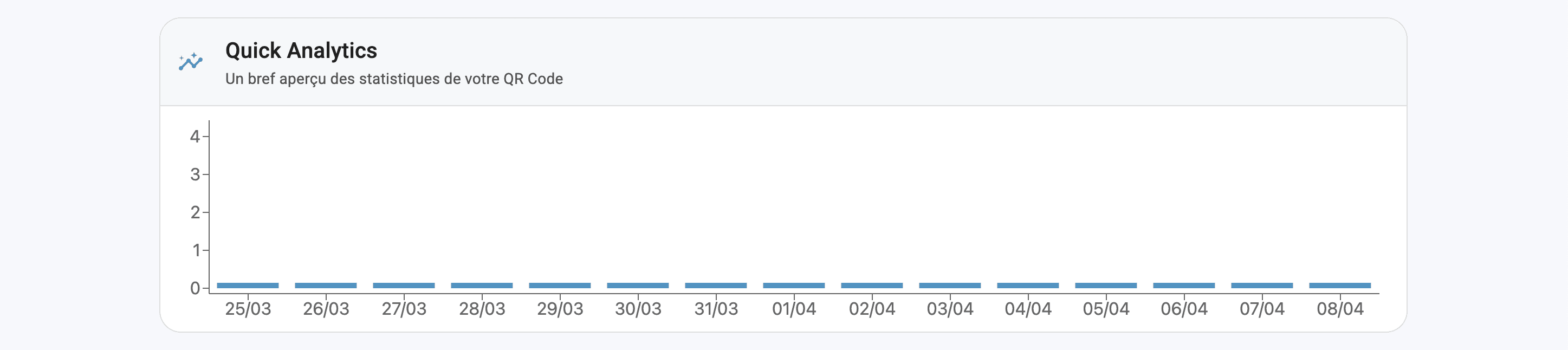
From the QR Code application, you'll have immediate access to your QR Code's quick statistics.
From your QR Code file (accessible via the EDIT button), you'll have access to the total number of visits to your QR Code over a 2-week history (always starting from the date of consultation).
View advanced statistics on your QR Codes
From the QR Code application :
Check the box(es) of the QR Codes whose statistics you wish to observe
Click on the ACTIONS button
Then SEE IN ANALYTICS
You will be automatically redirected to your ANALYTICS application.
All QR Codes in the selection are saved in the Analytics application filters, and their grouped statistics are immediately available for consultation.
Setting the consultation calendar
Depending on your subscription, you will have access to a specific consultation history.
Accessible from the top right-hand corner of your ANALYTICS page, you can set the dates on which you wish to view your statistics.
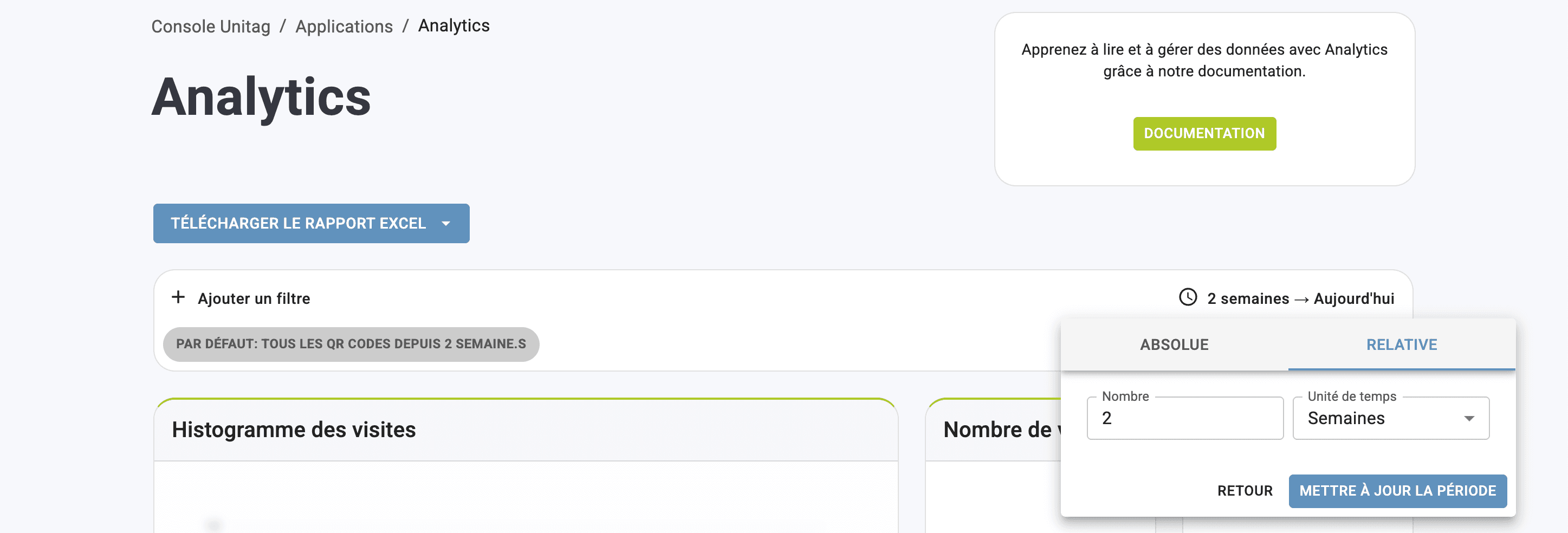
From the RELATIVE format: you can set your calendar by time unit (minutes, hours, days, weeks, months).
From the ABSOLUTE format: you can determine return period dates from a classic calendar.
To validate the calendar period, click on UPDATE PERIOD in the pop-up window.
View statistics for a QR Code or a selection of QR Codes
View your QR Code's quick statistics
View advanced statistics on your QR Codes
Setting the consultation calendar